
Finding topics that people actually want to read shouldn’t require a crystal ball—or a data team. Google Trends is a free, lightweight way to spot what’s heating up, what’s fading, and how interest differs by place and time. Below is a practical, non-technical guide to turn those signals into publishable blog ideas.
What Google Trends is
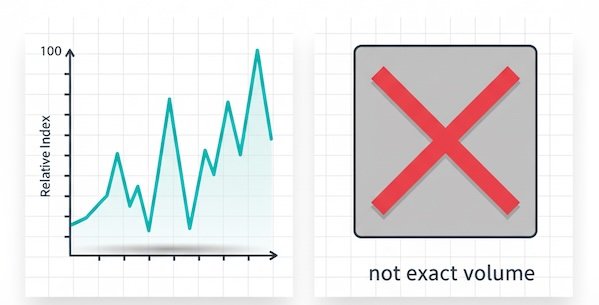
- What it is: A relative interest index (0–100) showing how search interest for a term changes over time, plus related topics and queries. It’s great for direction, timing, and comparisons.
- What it isn’t: Exact search volume. Treat it like a compass, not a ruler. Use it to shape ideas, headlines, and timing; confirm volumes later with keyword tools if needed.
Three simple ways to surface topics
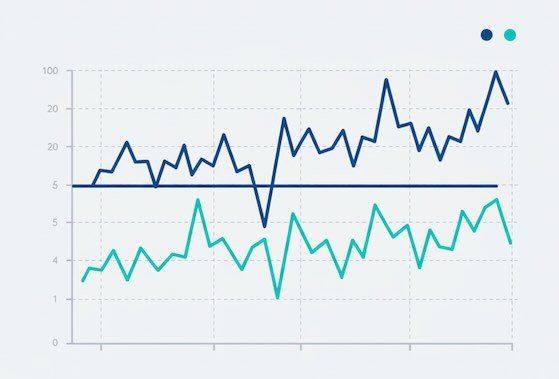
1) Compare close ideas to pick a winner
Have two or three angles for the same post? Compare them. If “email cadence” consistently outruns “newsletter frequency,” write the angle people naturally search.
Use it for: Choosing between synonyms, formats (“guide” vs “checklist”), or focal points (“tutorial” vs “template”).
Content idea example:
If “editorial calendar template” trends above “content calendar template” in your region, publish “Editorial Calendar Template (Free Download): Plan 90 Days in 30 Minutes.”
2) Catch seasonal spikes before they happen
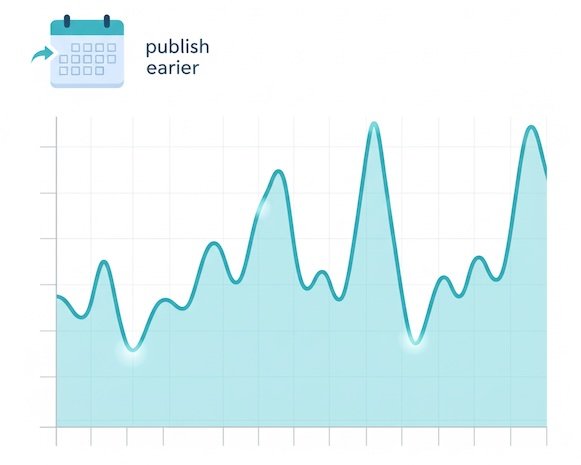
Many niches have annual rhythms—taxes, travel, fitness, retail. If interest for “back to school supplies” rises every July, plan your content for late June so it’s indexed and ready.
Use it for: Editorial calendars, refresh cycles, evergreen pieces with seasonal intros.
Content idea example:
“Back-to-School Budget Planner: 7 Cost-Cutting Tips Parents Use Every August.”
3) Scan related queries for fresh angles
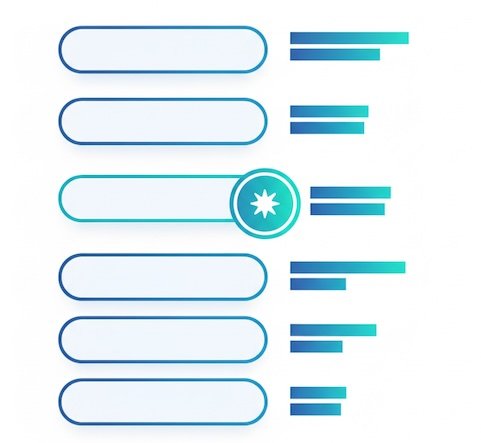
The Related queries list often reveals rising subtopics (“breakout” = explosive growth). Those make strong subheads, FAQs, or spin-off posts.
Use it for: Building outlines, FAQs, supporting sections, and future post clusters.
Content idea example:
If “email deliverability checklist” appears as a breakout query near “newsletter,” write “Email Deliverability Checklist: 10 Quick Fixes Before Your Next Send.”
A quick reading guide to common signals
The table below helps you interpret what you see and how to turn it into an idea—fast.
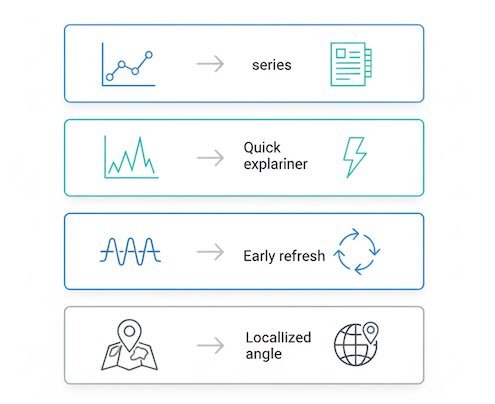
Trend Signals → Content Moves
| What you see in Trends | What it really means | Suggested content move | Sample headline angle |
|---|---|---|---|
| Steady uptrend over 6–12 months | Growing, durable interest | Commit to a pillar page or multi-part series | “The 2025 Guide to Zero-Party Data: Playbook + Examples” |
| Sharp spike last 1–4 weeks | News, update, or social buzz | Publish a concise explainer or “what changed” piece | “GA4 Annotations Are Here: What Marketers Can Do Now” |
| Recurring seasonal peaks | Predictable demand window | Refresh last year’s post; schedule 2–4 weeks earlier than the peak | “Holiday Email Calendar: Send Dates that Actually Convert” |
| Regional hotspots (one country/state leads) | Localized interest | Add regional examples, pricing, or regulations | “Small-Business Grants in Texas: Updated Links & Deadlines” |
| Term A dominates Term B | Language preference | Use the winning phrasing in title/H1; mention synonyms once | “Content Brief Template (Free Google Doc)” |
| Breakout related query | Emerging subtopic | Use as H2 or a dedicated spin-off post | “Newsletter Welcome Series: 3 Emails That Triple Replies” |
| Volatility / no clear pattern | Fad or low intent | Test with a short post or social thread first | “What Is ‘Linkless Mentions’? Hype vs. Value” |

From trend to outline in five minutes
Use this lightweight framework to go from signal to structure without opening a dozen tabs.
- Pick the winner: Compare 2–3 candidate terms; choose the highest, most stable line.
- Define the job: Is the intent informational (“how”), transactional (“buy”), or navigational (brand)? Write for that intent.
- Scan related queries: Grab 3–5 rising items; those become H2s or FAQs.
- Check seasonality: If a peak is coming, add a timely angle (“2025 update,” “Q4 edition”).
- Localize if relevant: If one region is hot, add local examples or regulations.
Result: you’ve got a validated topic, a reader intent, three subheads, and a timely hook.
Idea quality checklist (pin this)
- Clarity: Would the headline make sense to a first-time reader in your niche?
- Alignment: Does the angle match the dominant search intent you observed?
- Freshness: Did you incorporate at least one breakout subtopic or 2025+ update?
- Timeliness: Are you publishing before the interest peak (if seasonal)?
- Differentiation: What unique example, chart, or template will your post include?
A simple worksheet to prioritize topics
Copy this table structure into your notes to rank 5–10 candidate ideas you’ve checked in Trends. It helps you pick what to write this week versus next month.
| Topic candidate | Trend direction (↑ / ↔ / ↓) | Seasonality (None / Annual / Monthly) | Related breakout found? (Y/N) | Regional hotspot? | Intent (Info / Trans / Nav) | Publish timing | Priority |
|---|---|---|---|---|---|---|---|
| “newsletter cadence” | ↔ | None | Y | US/UK | Info | This week | High |
| “email marketing calendar” | ↑ | Q4 peak | Y | CA | Info | 4–6 weeks before Q4 | High |
| “zero-party data” | ↑ | None | Y | EU | Info | ASAP (rising) | High |
| “utm builder” | ↔ | None | N | Global | Info/Trans | Next month | Medium |
| “homepage heatmap” | ↓ | None | N | — | Info | N/A | Low |
How to read it: Favor uptrending topics with at least one breakout related query and a clear intent you can satisfy quickly. Time seasonal pieces so they’re live before the curve rises.
Smart ways to use what you find (without getting overly technical)
- Title & H1 wording: Use the phrasing with the stronger trend line; sprinkle alternatives once in the copy for clarity.
- Section planning: Let Related queries write your subheads—if readers search it, serve it.
- Refresh strategy: For seasonal topics, schedule a lightweight annual refresh (data, examples, screenshots).
- Regional extras: Add a short regional callout if interest clusters geographically (laws, prices, holidays).
Common pitfalls to avoid
- Chasing every spike: If a topic looks like a one-week fad, validate with a short post or social thread first.
- Ignoring intent: A “what is…” trend won’t convert like a “template” trend. Match expectations.
- Over-general headlines: Trends show language people actually use—mirror it.
- Publishing too late: Seasonal content needs a head start to rank and earn shares.
Quick FAQ
Is “100” in Google Trends a lot?
It’s the local maximum for the time range you selected. Think of it as peak relative interest, not a volume number.
How long a time window should I use?
For evergreen topics, view 12–36 months to see seasonality. For newsy ideas, past 90 days reveals fresh spikes.
How often should I revisit Trends?
Monthly is enough for most blogs; weekly during launches or peak seasons.
The takeaway
You don’t need a heavy stack to find great topics. Use Google Trends to choose the best phrasing, time seasonal pieces, and pull subheads from breakout queries. Pair those signals with clear intent and a unique angle, and you’ll publish posts that meet readers where their curiosity already is—today, not last year.